Use your phone camera or gallery to turn a paper form, a stack of notes or several receipts into one PDF. Start with a test photo and check that the text is readable before scanning the rest.
1. Add the pages in order
Lay the paper flat under even light. In ToolNest, tap Take a photo for each page. If your browser opens a file picker, use its camera option or take the photos first and select Choose from gallery.
2. Crop or straighten each photo
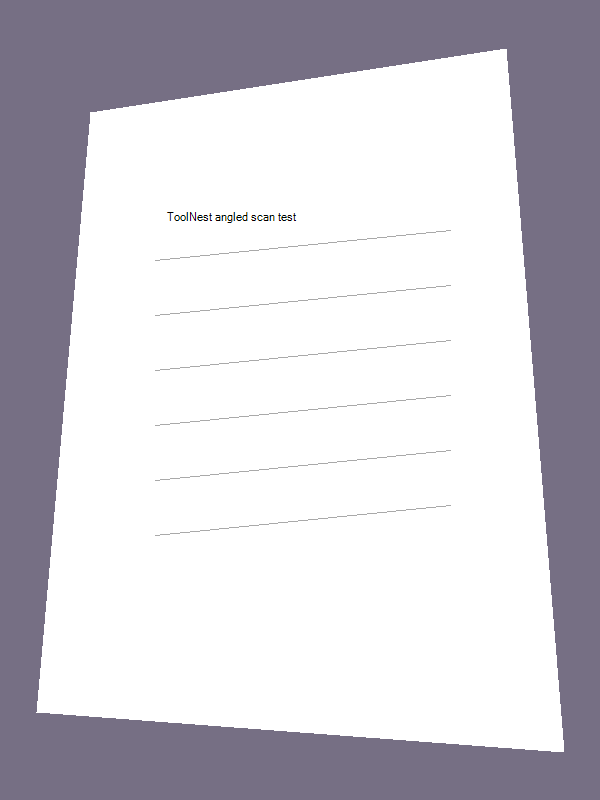
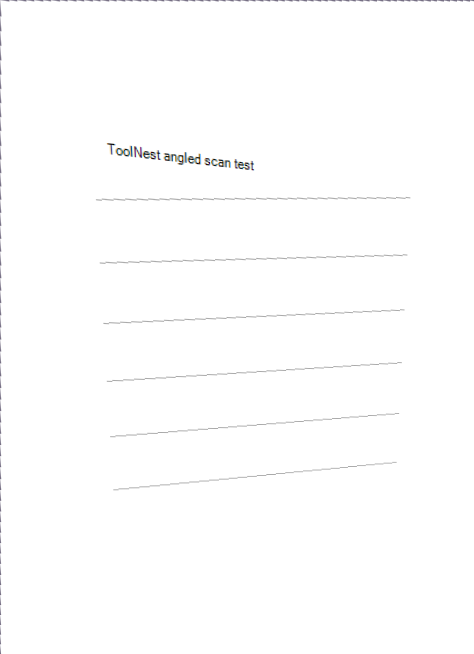
Tap a page thumbnail. Use Crop photo to trim a straight photo. If the paper looks like a trapezoid, choose Straighten photo and place each purple handle on the matching paper corner. Select Apply straightening, then check the preview. Use Move earlier or Move later to correct the page order.

3. Save one PDF
Under Save format, choose PDF. Pick A4 for a standard printable page or use the image size to follow the photo’s proportions. Tap Prepare PDF download, then Download scanned PDF. Open it and check the page order before sharing.
When to use JPG or PNG
Choose JPG or PNG when a form asks for an image. The scanner can save the selected page or prepare separate image downloads for all pages. The PDF contains page images, so the photographed words cannot be selected as text.
Already have separate PDF files? Combine them with Merge PDF.
Phone se photo ko PDF kaise banayein?
Scanner kholo, Choose from gallery par tap karo aur photos select karo. Pages ka order check karo, Save format mein PDF chuno, phir Prepare PDF download aur Download scanned PDF par tap karo.